Watch reaction videos
in perfect sync.
A Chrome extension that plays a reaction video in sync with your own copy of the show or film, each in its own tab. Pause, skip, seek: the other one follows.
How it works
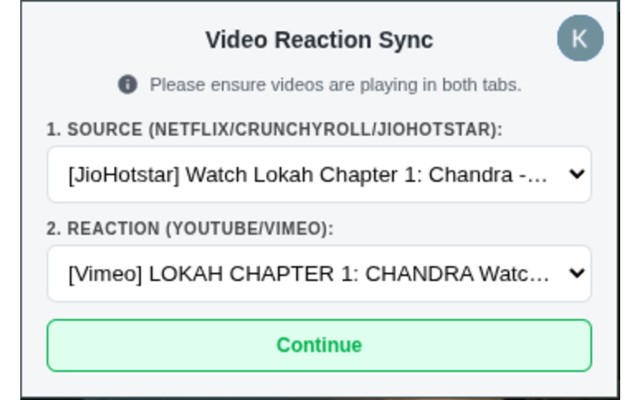
Open the episode and the reaction video in two separate browser tabs, side by side, and press play on both. Open the ReactionSync popup, pick the source tab and the reaction tab, and hit Continue.
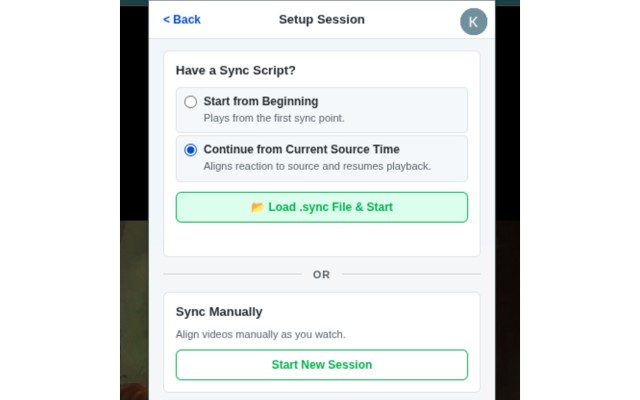
Have a sync link for this reaction? Click Load from Link and paste it: both start together, already lined up. No link yet? Start a manual session, line the two up yourself, and share the result as a sync link.
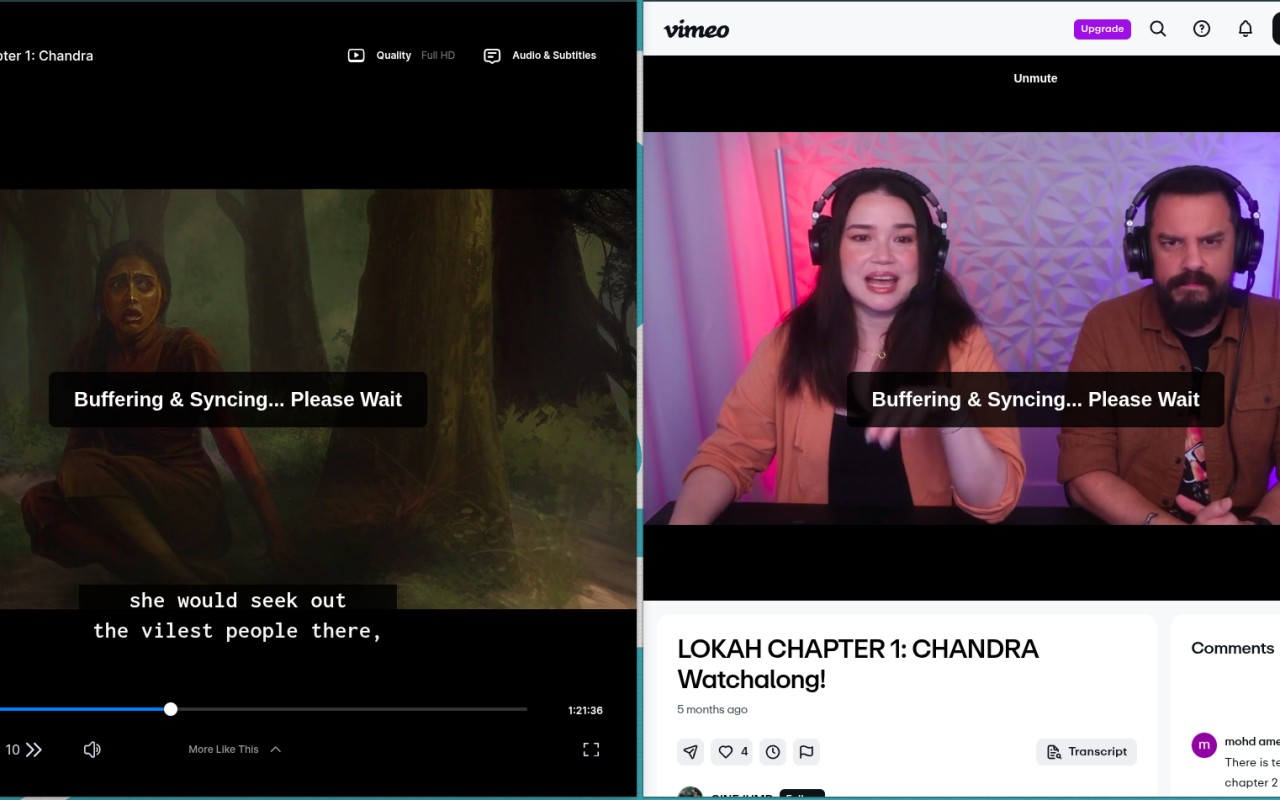
When either video needs to buffer or re-align, ReactionSync pauses both and waits. No manual intervention — both videos stay in lockstep at all times.
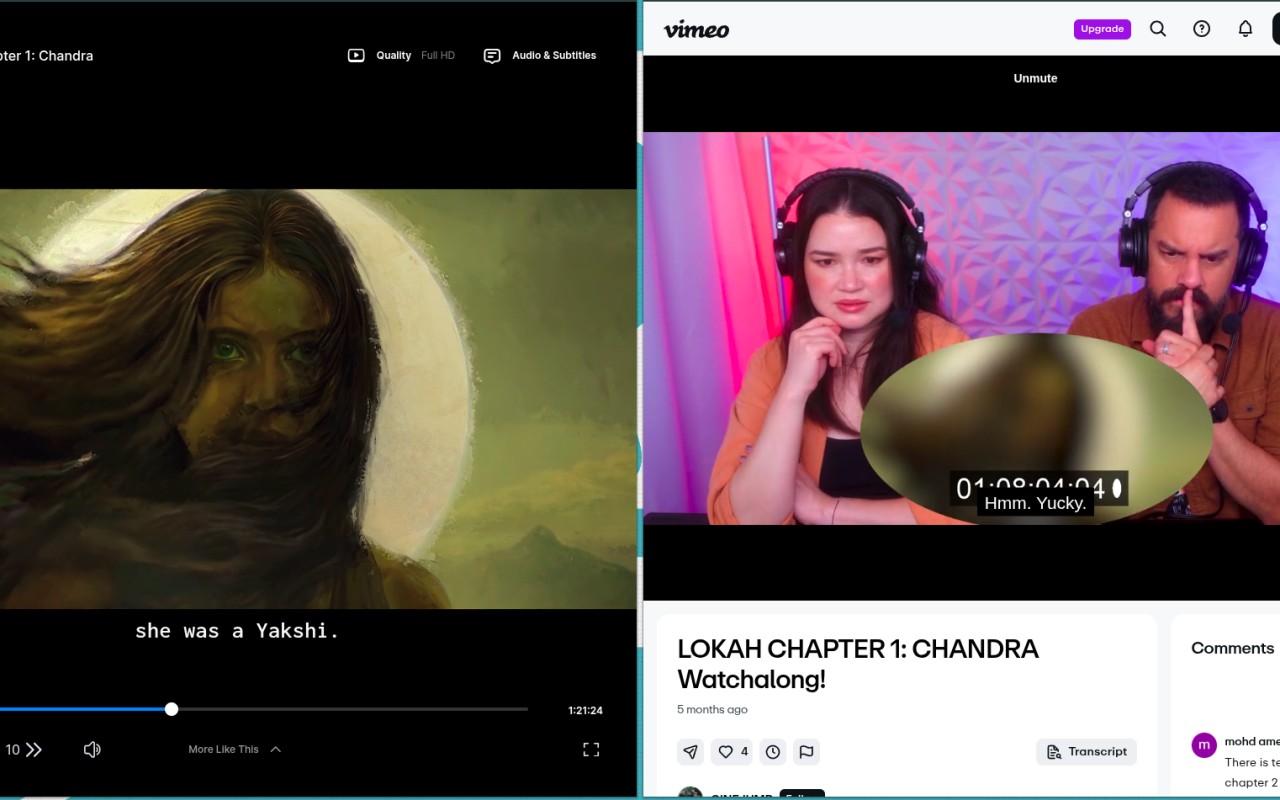
Once synced, both videos play together. When the reactor stops the show to talk, your episode waits for them. Where their video skips part of the episode, the sync link handles that too. You never touch a timeline again.
Supported platforms
Source content
 Netflix
 Crunchyroll
 JioHotstar
 Prime Video
Reaction videos
 YouTube
 Vimeo
Vimeo
 Google Drive
 Patreon
For reaction creators
Turn your full reactions into sync links. Your viewers open one next to their own copy of the show, and it stays lined up for them: when you pause to talk, the episode waits for you.
Make your first sync linkReactionSync does not host, distribute, or reproduce any copyrighted content. Users source all content from platforms they already subscribe to.